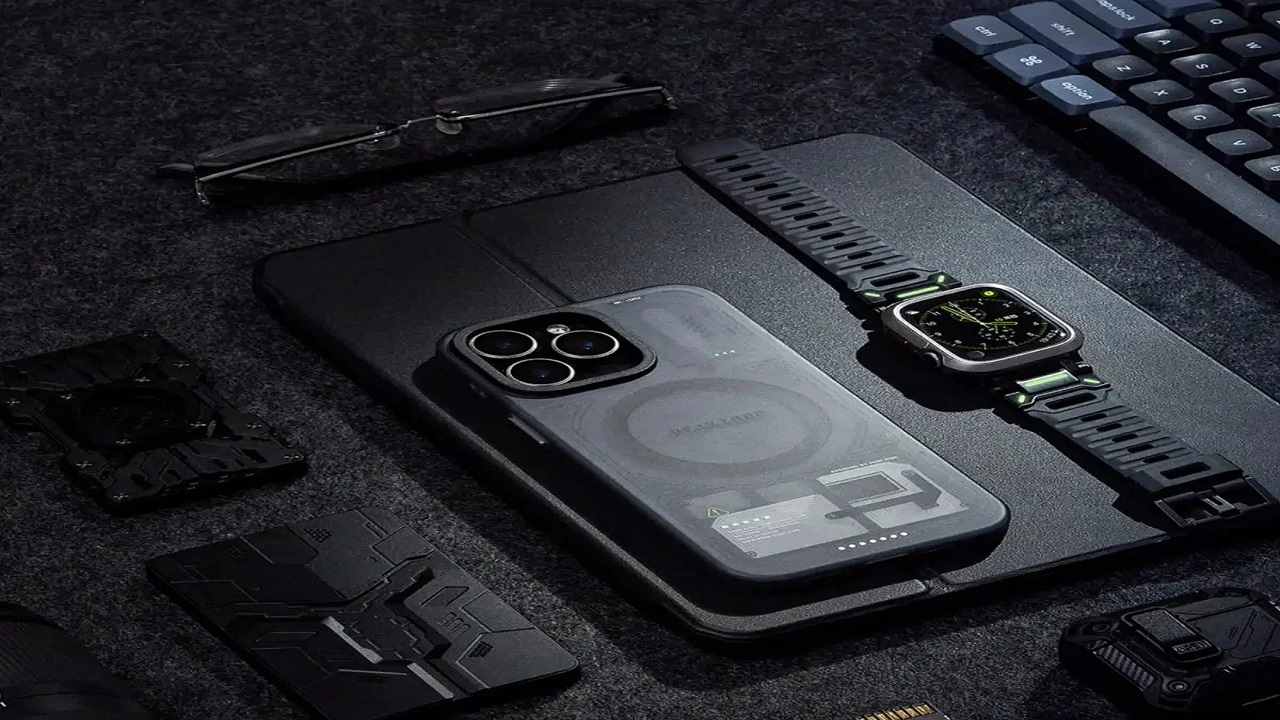
Most desk upgrades have a honeymoon period. The new chair feels better for a few weeks, then becomes the background. The monitor arm gets adjusted twice and then left. The cable management solution holds until the next peripheral gets added, then gets ignored. A keyboard stand is different — it’s one of those rare accessories where the benefit compounds over time rather than fading.
I say this having been skeptical of the category for a long time. A stand that holds your keyboard at an angle sounded like the kind of thing that makes for a good desk photo but doesn’t change how you actually work. I was wrong.
What the Angle Actually Does
The ergonomic argument for a negative tilt — keyboard angled away from you rather than toward you — has been around long enough that it’s easy to tune out. But the practical effect is more immediate than most people expect.
With a standard flat keyboard on a desk, the natural hand position requires bending your wrists upward to reach the keys. You probably don’t notice this because you’ve been doing it for years. Move the keyboard to a stand that angles it slightly away, and the wrist position relaxes into something more neutral. The shift is subtle in any single session. Over the course of a day, it reduces the low-grade strain that accumulates from hours of upward wrist extension — the kind that doesn’t announce itself until you’ve been doing it for years.
The other effect is posture. An elevated keyboard changes where your arms are in relation to your body, which in turn changes how you hold your shoulders and back. Getting the keyboard height right is part of the ergonomic equation that flat desk placement doesn’t let you solve.
The Display Component
A keyboard stand that also holds a display solves a different problem: monitor height. The default desk setup — monitor sitting flat or on a low riser, keyboard flat in front — usually places the screen too low for comfortable extended viewing. You end up with a slight forward head tilt that’s barely perceptible session to session but accumulates into neck stiffness over weeks.
Positioning the display at eye level, with the keyboard at the correct ergonomic angle in front of it, requires the kind of adjustment that a stand makes possible without a full monitor arm setup. The integrated keyboard-plus-display stand approach works particularly well for laptop users who want both devices elevated without a complicated arrangement of separate risers.
Why It Stays on the Desk
The reason I called this an upgrade that sticks is specific: the benefit is invisible when it’s working, and noticeable immediately when it’s not.
Once you’ve adjusted to the correct keyboard angle, going back to a flat keyboard feels wrong within minutes. The wrist position is immediately apparent. This is different from, say, a better mouse that you gradually stop appreciating because the benefit was comfort rather than a felt contrast. The contrast is always there with keyboard positioning because flat is the default everything else is compared to.
This means the stand doesn’t lose value over time. You don’t habituate to it and stop noticing. You notice its absence every time you work on a different setup, which is a good indicator that something is actually doing real work rather than just occupying desk space.
Practical Considerations
The setup question that matters most is desk depth. A keyboard stand adds height to the keyboard position, which is generally what you want, but it also requires enough desk depth to maintain comfortable arm extension. On a shallow desk, the stand may push the keyboard position too close to the edge. Most standard desks — 24 to 30 inches deep — have enough room, but it’s worth verifying before buying.
The stability of the stand matters more than it might seem. A keyboard stand that rocks or shifts when you type interrupts the typing rhythm enough to be genuinely annoying. Weight and base design both factor in; a stand that feels substantial and sits flat on the desk without movement is significantly more usable than a lightweight one that shifts under pressure.
Cable management is the other practical variable. A stand elevates both keyboard and display, which changes how cables route from each device to ports and power. Stands with built-in cable routing slots or channels handle this more cleanly than those that leave cable management to improvisation.
The peakzooc keyboard stand addresses both stability and cable management in a single-piece design that holds keyboard and display in a coordinated elevated position — the kind of integrated approach that makes the ergonomic adjustment easier to maintain than separate risers for each device.
The Honest Assessment
If you work at a desk for most of the day, keyboard positioning is one of the variables that affects how you feel at the end of that day in ways that are real but easy to dismiss because they’re gradual. A stand that places the keyboard at the right angle and height removes one source of strain that accumulates quietly over years.
It’s not a dramatic upgrade. It doesn’t make you faster or smarter. What it does is make the working position slightly more sustainable, which is the kind of thing you notice most clearly by its absence rather than its presence — which, for an ergonomic change, is exactly how it should work.